Available on Android

Lock your screen.
One tap.
No power button.

Lock screen app for Android - replace your power button, lock with a tap, widget, quick settings tile, or notification shortcut. Works with fingerprint and Smart Lock.

Lock in one tap via floating button, widget, notification, or Quick Settings tile. Works on every Android phone. Free forever.

Get it on Google Play
100% Free No Sign-Up Works offline
Turn Off Screen app - floating lock button on Android
5M+
Users
4.7
Play Store Rating
15+
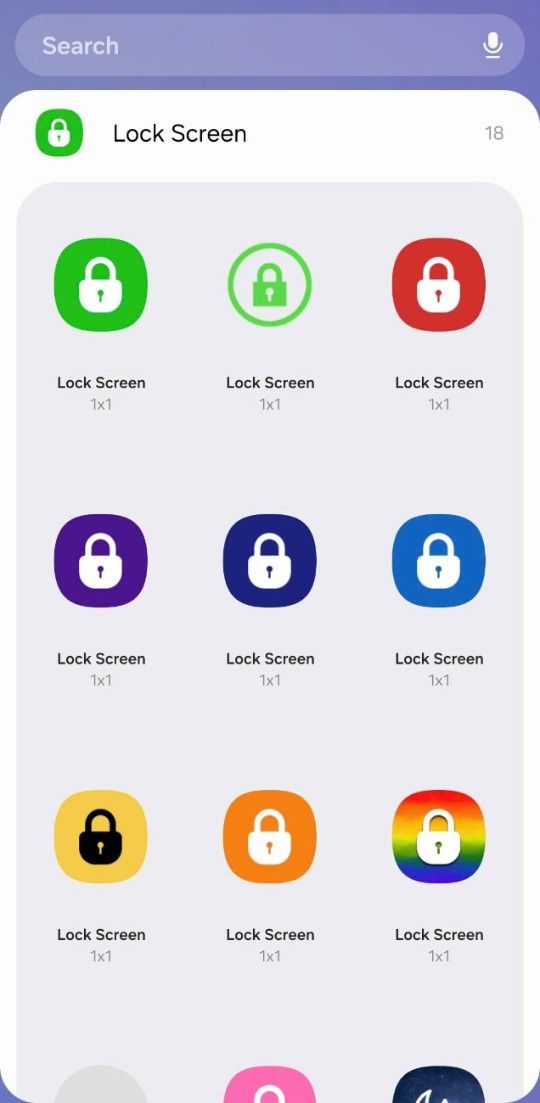
Icon Color Themes
20+
Languages
Download Free on Google Play

Why Turn Off Screen?

Your power button shouldn't slow you down.

Whether your power button is broken, hard to reach, or just inconvenient - there's a faster way. One tap on any button, anywhere on your screen.

Get it on Google Play
🔧

Broken Power Button

If your power button is broken, this is a must-have. Lock your screen without pressing anything.

Faster Everyday Locking

Even if your button works, a tap-to-lock button is simply faster and easier on your hands.

👆

Fingerprint Still Works

Locks instantly, unlocks with your fingerprint. Smart Lock and trusted devices work too.

📱

Every Android Device

Well-optimized for Samsung, Xiaomi, Pixel, OnePlus, and every other Android manufacturer.

Features

Everything you need to lock smarter.

One tap. Many ways to trigger it.

🎨

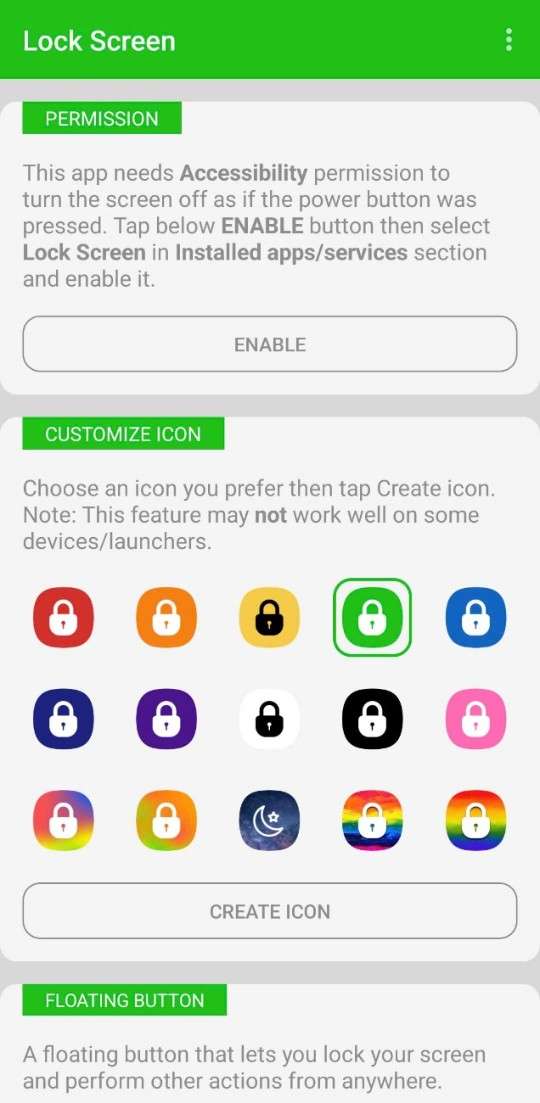
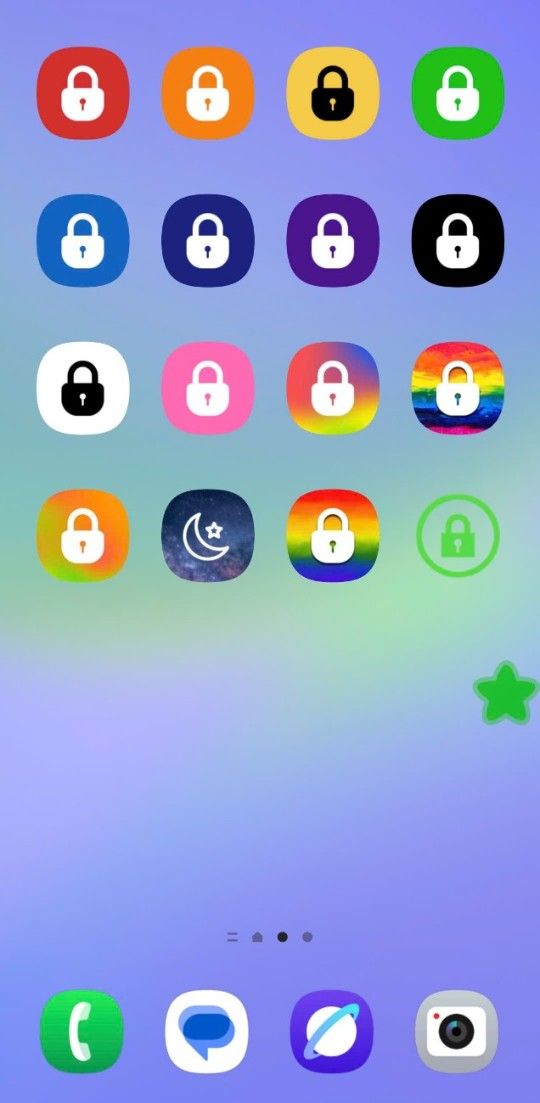
15+ Icon Color Themes

Choose your icon color - red, orange, yellow, green, blue, indigo, purple, white, black, pink, and more.

🔔

Notification Shortcut

Lock from the notification panel without opening any app. The notification won't show on your lock screen.

Quick Settings Tile

Pull down the notification shade and tap the tile to lock instantly - no swipe-to-open needed.

🧩

Home & Lock Screen Widget

Add a lock button widget to your home screen or lock screen for instant one-tap access.

🖐️

Fingerprint & Smart Lock

Works seamlessly with fingerprint sensor and Smart Lock - trusted Bluetooth, devices, face, location, and on-body detection.

🔘

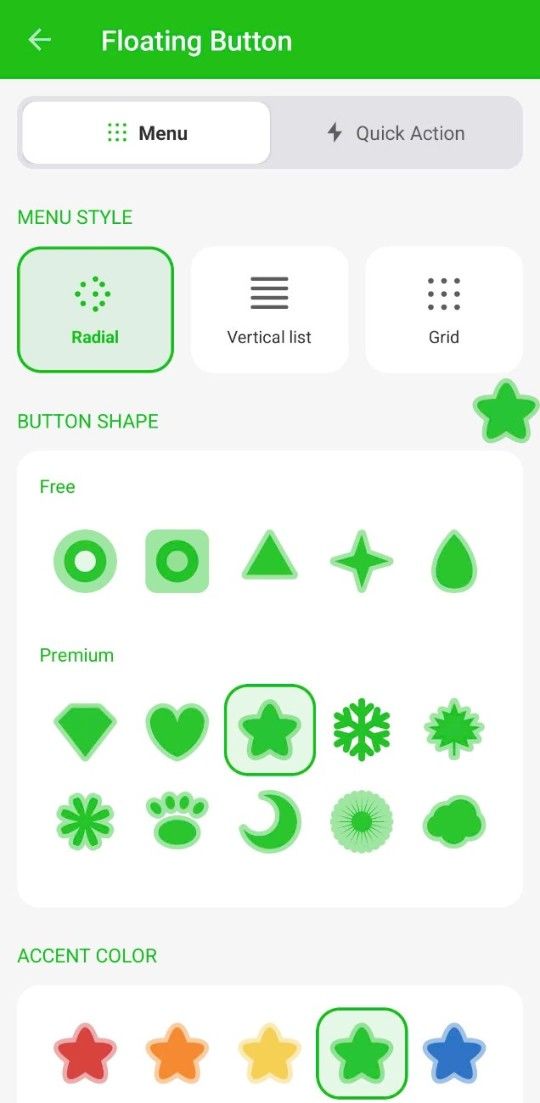
Floating Lock Button

Tap the floating button once to instantly lock your screen and turn it off - as fast as pressing the power button.

🌙

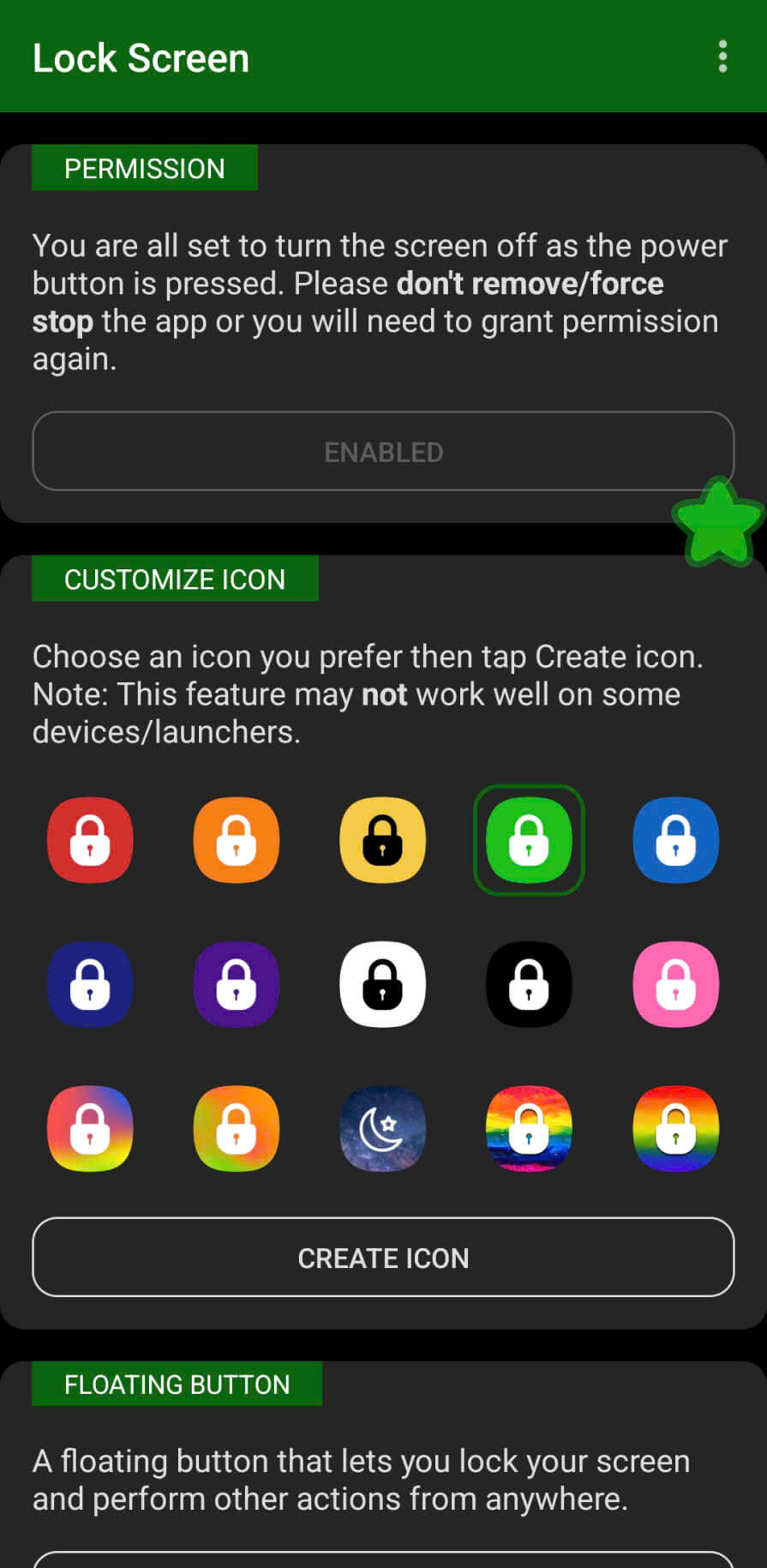
Dark Mode Support

Follows your system theme automatically on Android 9+. Dark mode ready with adaptive icon support.

📲

Foldable & All Devices

Works flawlessly on foldable phones and is well-optimized for every single manufacturer's customization.

🚫

Free to Download

Core features completely free. No account needed. No internet needed.

See it in action

Dark mode main screen
Dark Mode
Auto follows your system theme
Multiple app icon color themes
Color Themes
10+ icon colors to choose from
Floating lock button
Lock Button
One tap locks your screen instantly
Widget setup
Widget
Add a widget to home or lock screen

Stop reaching for your power button.

Free to download. No sign-up. Works on every Android device.

Download Free on Google Play
Turn Off Screen - Technical Specifications
Specification Value
RAM usageUnder 10 MB
Battery drain (background)Extremely minimal - background service runs on-demand
Biometric supportFingerprint sensor, Face Unlock, and Smart Lock fully compatible
Permissions requiredAccessibility Service (optional, for screen locking)
Account requiredNo (100% anonymous and offline)
Works offlineYes - zero network connections required to operate
Minimum Android version5.0 (API 21)
Customization15+ icon color themes, responsive dark mode support